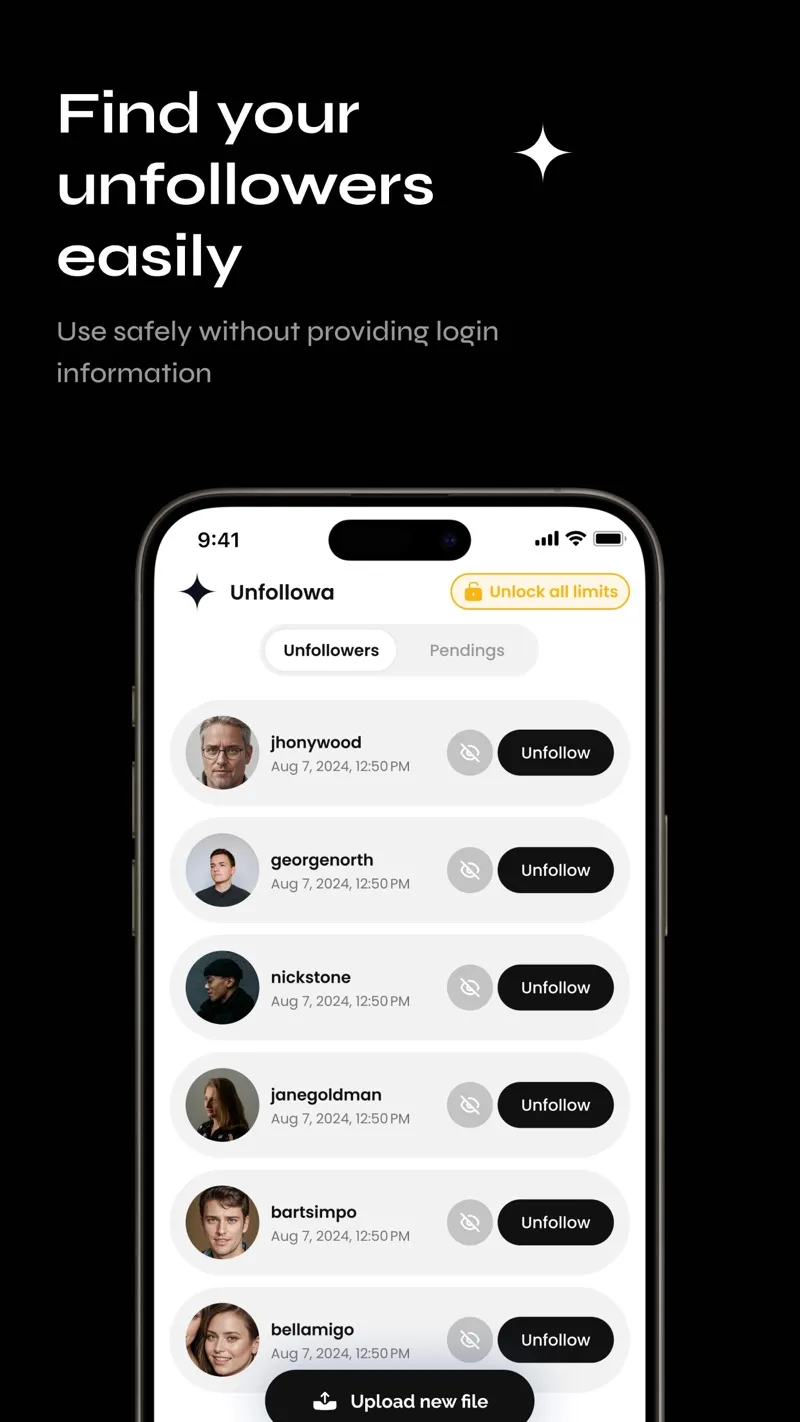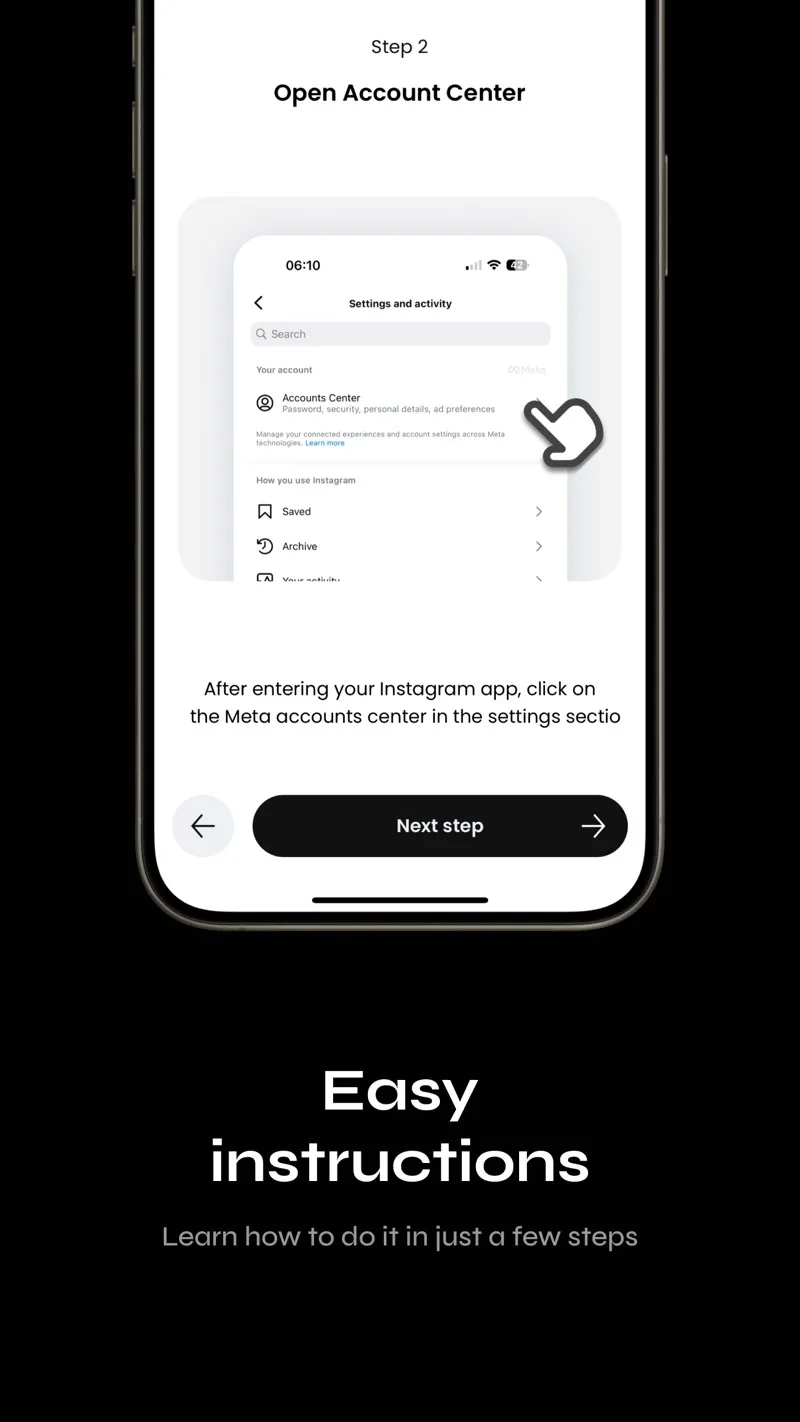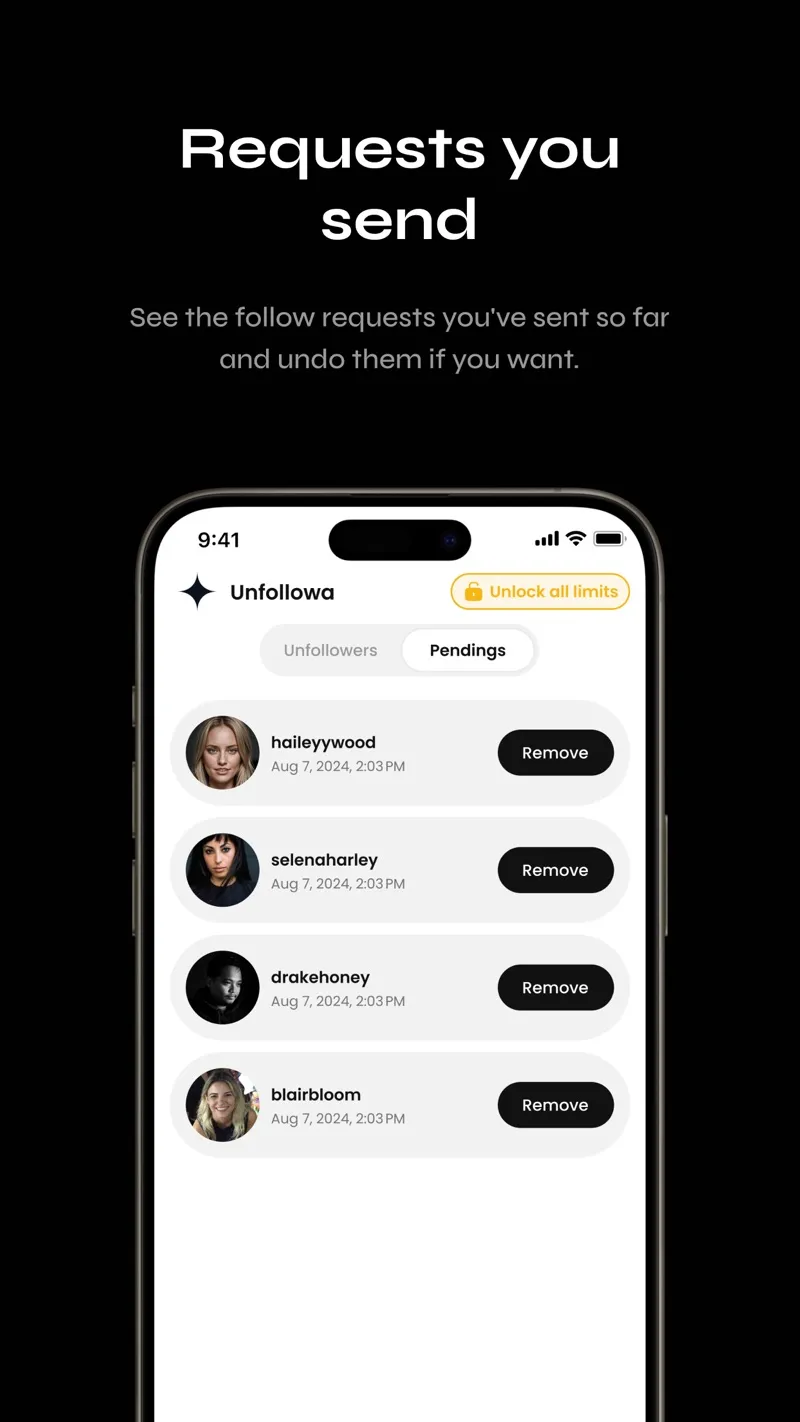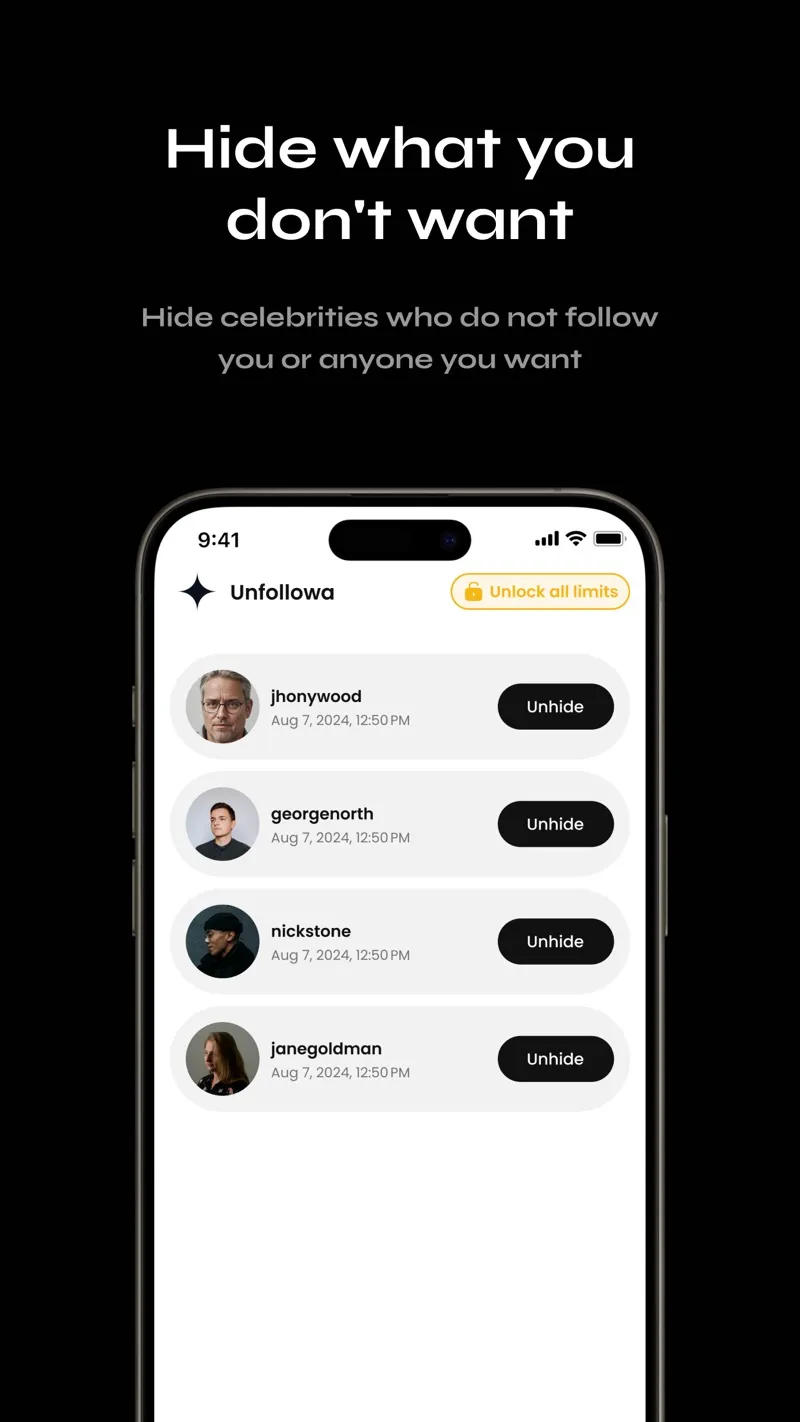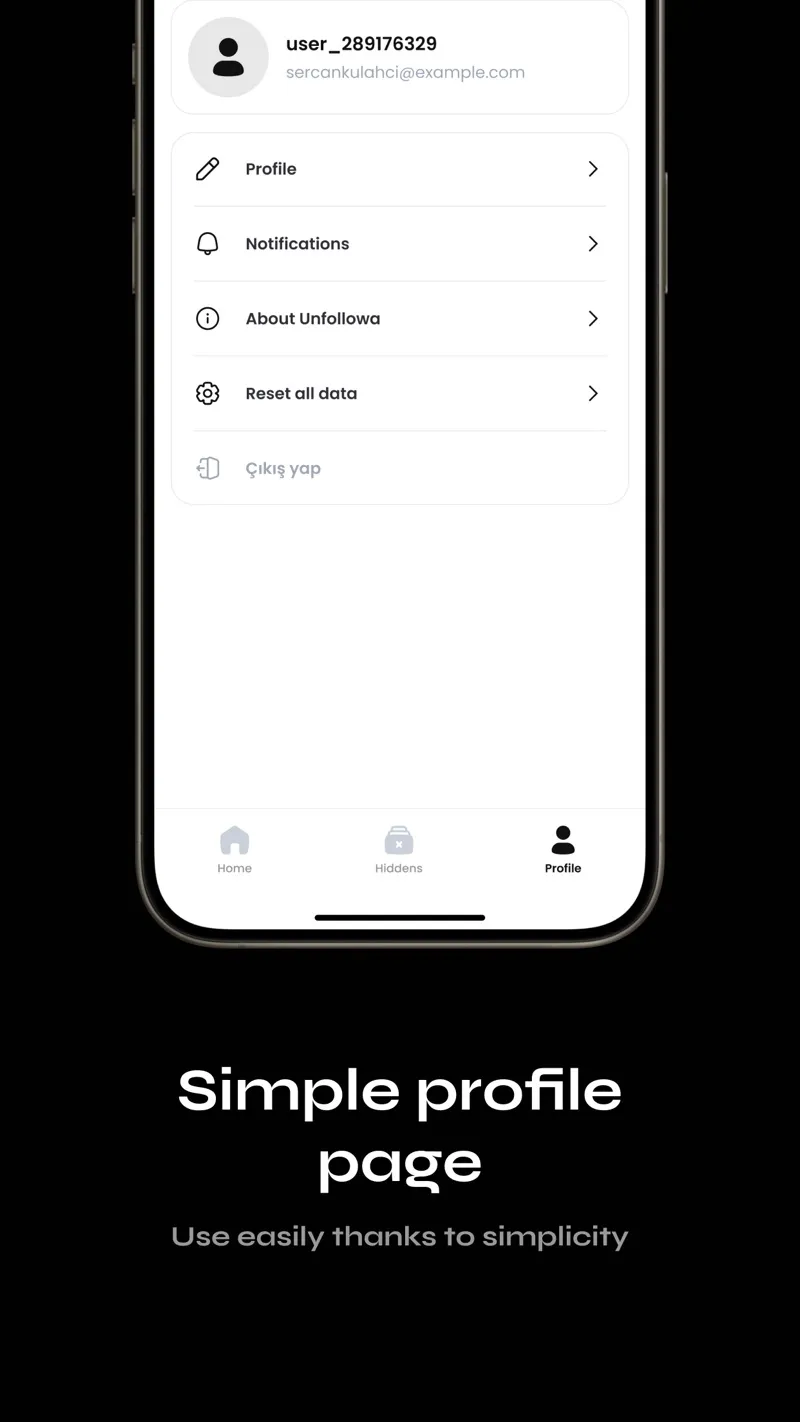









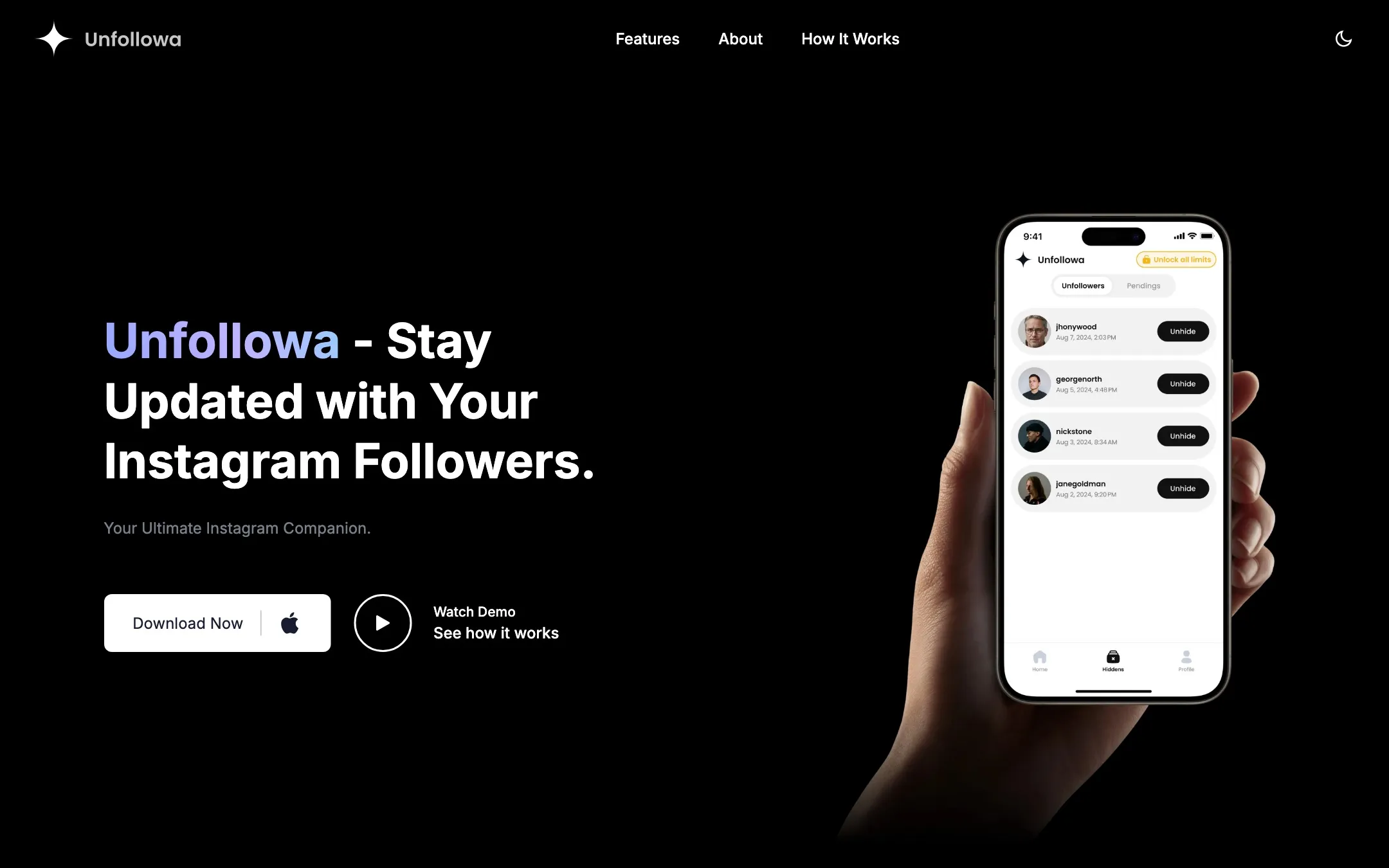
Unfollowa shows you who doesn’t follow you back on Instagram, without ever asking for your Instagram password. Instead of logging in to the account and scraping it, it works from the data export Instagram already offers: you request your followers and following data in Instagram’s settings, then open the ZIP file in the app.
On-device parsing
Everything happens on the phone. An export can run to gigabytes of photos and videos, so the app never extracts it: a small ZIP reader reads the archive’s index from the end of the file, then inflates only the follower, following and pending-request entries, ZIP64 included, and refuses any entry whose length or checksum doesn’t match. It parses them whether Instagram produced HTML or JSON, since the format depends on what the user picked when exporting.
- You to Unfollowa: pick the export ZIP
- Unfollowa to ZIP reader: open the file in place
- ZIP reader: read the central directory
- ZIP reader: inflate only needed entries
- ZIP reader to Unfollowa: followers, following, pending
- Unfollowa to SQLite: one transaction: diff old followers
- Unfollowa to SQLite: replace the lists in batches
- Unfollowa: build the lists
- Unfollowa: delete the picked copy
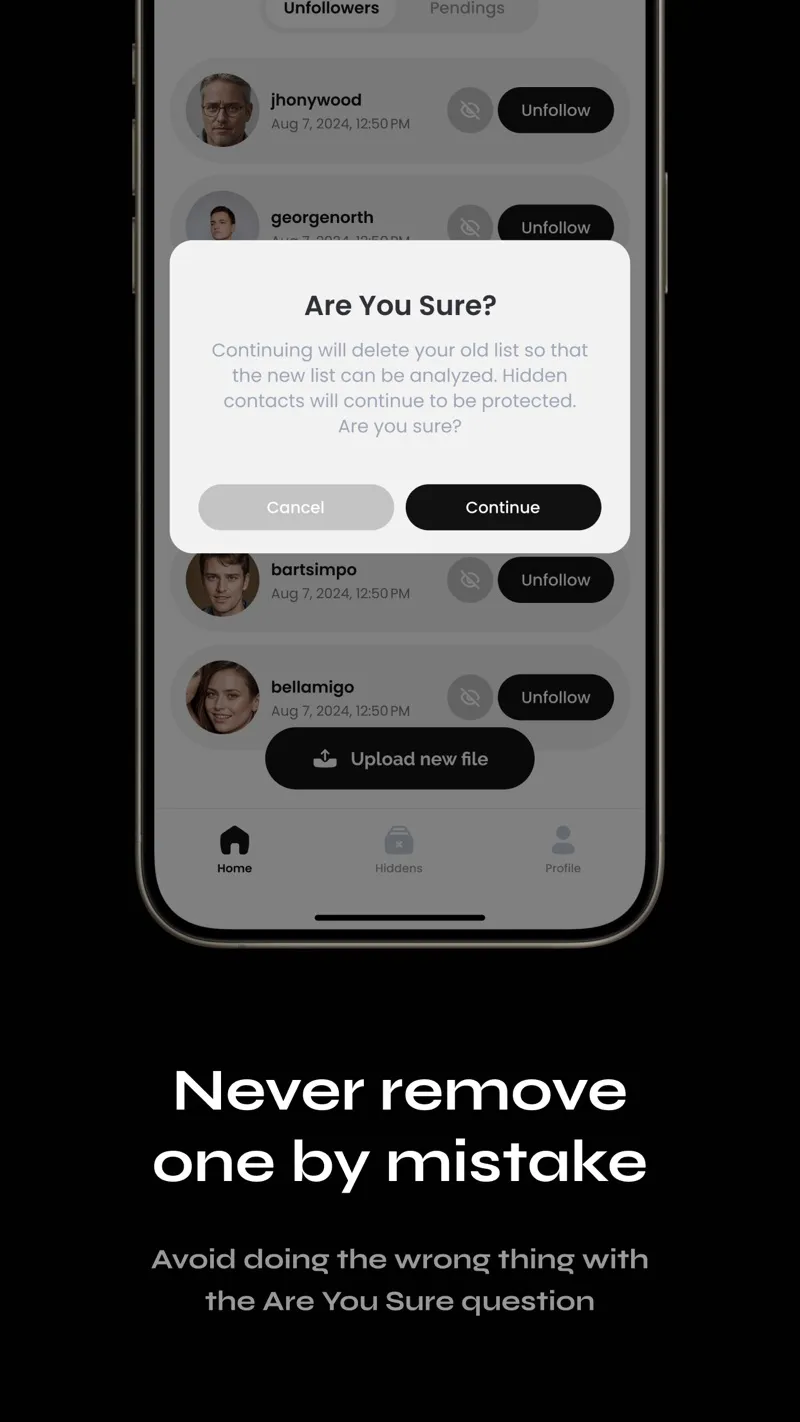
The new lists replace the old ones in a single SQLite transaction through Drizzle, which also records followers lost and gained since the last upload; if anything fails, the previous data stays intact. Unfollowers, fans, mutuals, pending follow requests and your own unfollow history are then local queries. The core feature has no backend at all.
Parts: Followers (followers_1..n), Following (HTML or JSON), Pending requests (optional file), Set comparison (on device), Hidden (and app unfollows), Unfollowers (not following back), Fans (follow you only), Mutuals (both ways).
- Followers to Set comparison
- Following to Set comparison
- Pending requests to Set comparison
- Hidden to Set comparison
- Set comparison to Unfollowers
- Set comparison to Fans
- Set comparison to Mutuals
Around the core
The app runs on Expo Router, expo-sqlite, MMKV for settings, and EAS builds and updates, with translations including Turkish, Spanish and Portuguese. RevenueCat subscriptions unlock themes and remove ads, and free users see Google Mobile Ads, with tracking consent and an ad privacy row in settings. A story-sized share card, Apple Search Ads attribution linked to RevenueCat customers, and a small pipeline that turns simulator recordings into vertical marketing videos with voiceover and captions sit alongside it.